
Posts by Good Team
How to easily create a pop-up form in HubSpot
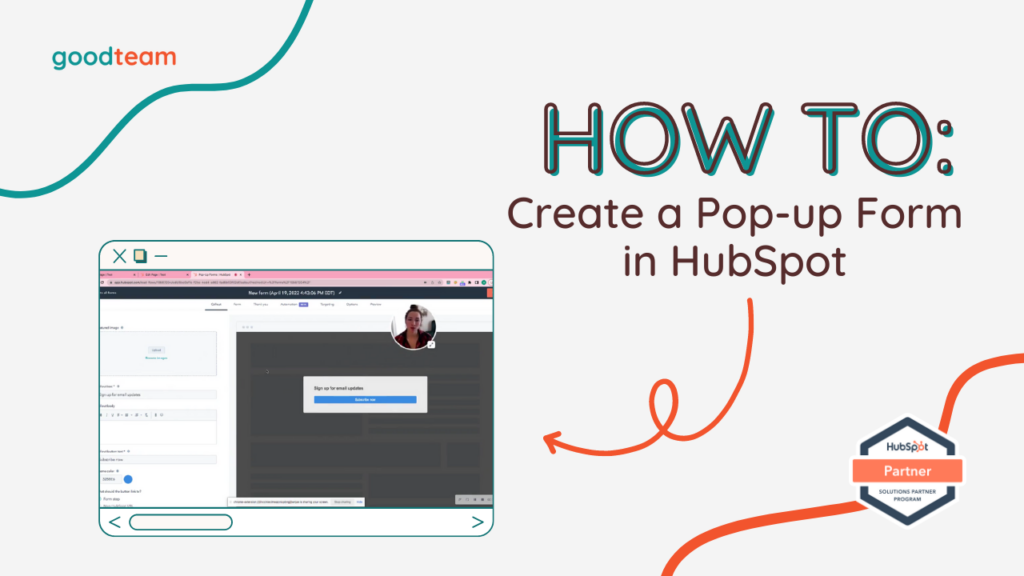
How to easily create a pop-up form in HubSpot Here are the steps to easily create a pop-up form in HubSpot: Say you want to have a pop-up form for an ebook and you want people to download it in exchange for information. Access by navigating to Marketing > Lead Capture > Forms >…
Read MoreHow to Edit Deal Pipelines in HubSpot
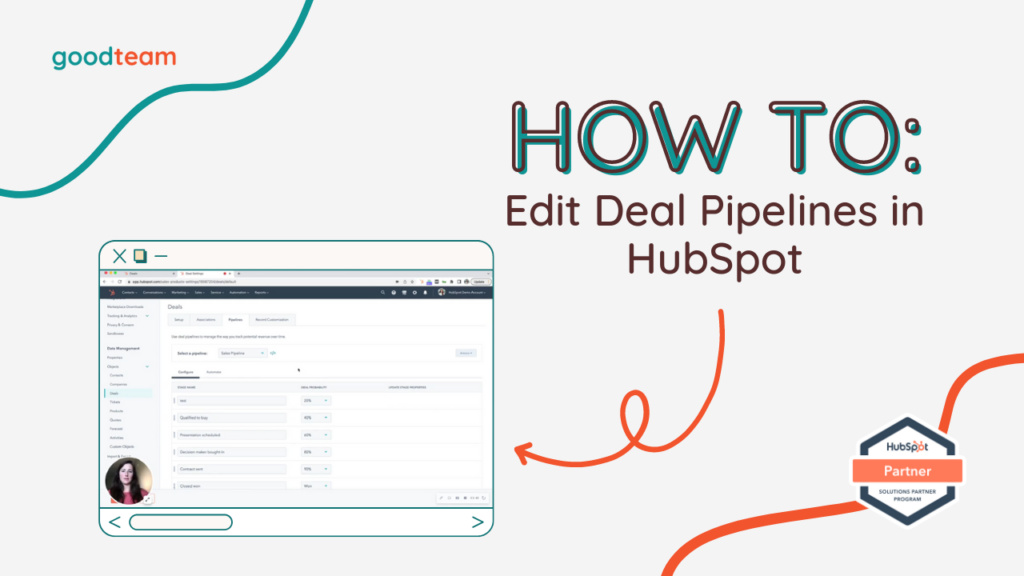
How to Edit Deal Pipelines in HubSpot Here are the steps to Edit Deal Pipelines in HubSpot: To edit the pipeline column in your sales pipeline. To view the pipeline columns, navigate to Sales > Deals and select the Grid view option in the top left hand corner of the page next to the…
Read MoreHow to Schedule a Social Post in HubSpot
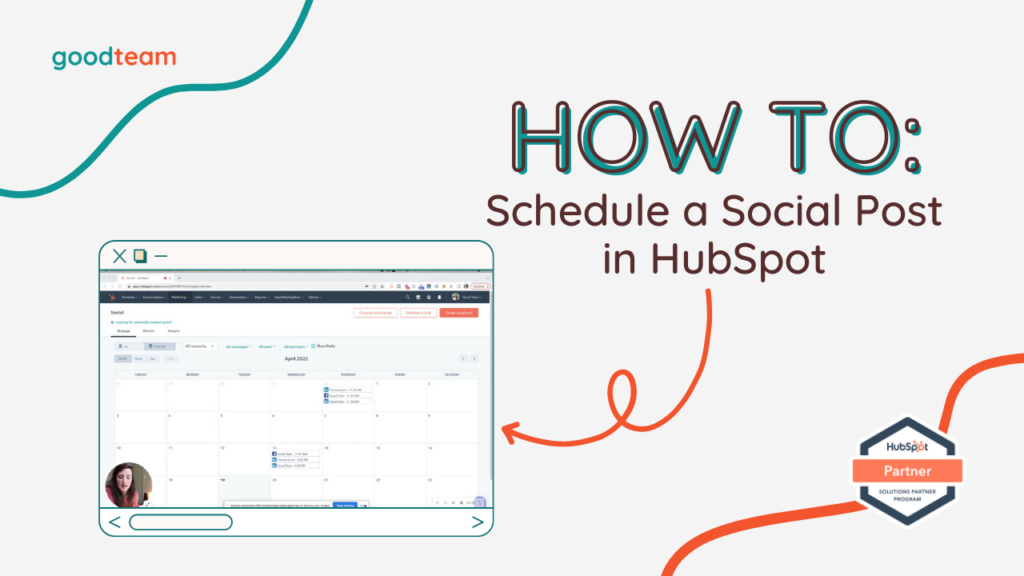
How to Schedule a Social Post in HubSpot Here are the steps to Schedule a Social Post in HubSpot: Click Marketing and navigate to Social. Access the social media scheduler by going to Marketing > Social. Can use Calendar view or List view. Here you can see posts published, posts scheduled, and posts interact.…
Read MoreHow to trigger workflows from form-fills in HubSpot

How to trigger workflows from form-fills in HubSpot Here are the steps to trigger workflows from form-fills in HubSpot: Access forms by going to Marketing > Lead Capture > Forms. Find and click on your Contact Form (Our contact form only has fields for email, first name, last name). Then, to create a dropdown…
Read MoreHow to Rotate Contact Owners in HubSpot

How to Rotate Contact Owners in HubSpot Here are the steps to Rotate Contact Owners in HubSpot: This is how to set up a contact rotation within a workflow (aka Round Robin). You would use this if you have multiple sales reps on a team or if you want to divvy out contacts when…
Read More15 HubSpot FAQs Answered
15 HubSpot FAQs Answered HubSpot is an all-in-one software platform that helps businesses with their sales, marketing, and customer service efforts. And as with any software, there are a lot of questions about how to use it effectively. In this blog post, we will answer some frequently asked questions about HubSpot. HubSpot FAQ #1:…
Read MoreHow to Create Workflows in HubSpot
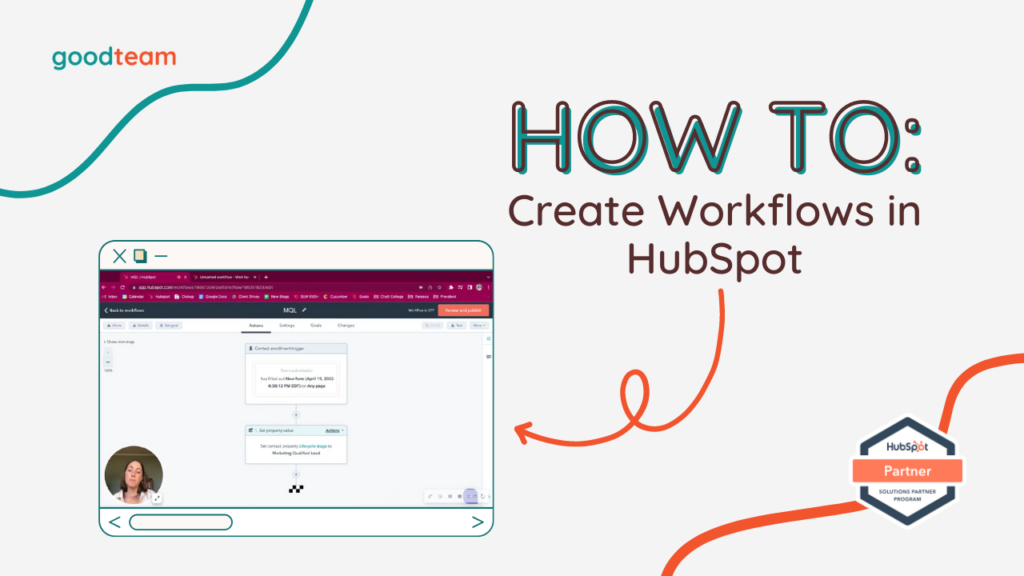
How to Create Workflows in HubSpot Here are the steps to create workflows in HubSpot: Access workflows by clicking Workflows at the top of the HubSpot page. Create a new workflow by clicking Create workflow. Name your workflow, choose your workflow settings, and click Next in the top right hand corner. To start off…
Read MoreHow to Quickly Clone Workflows in HubSpot
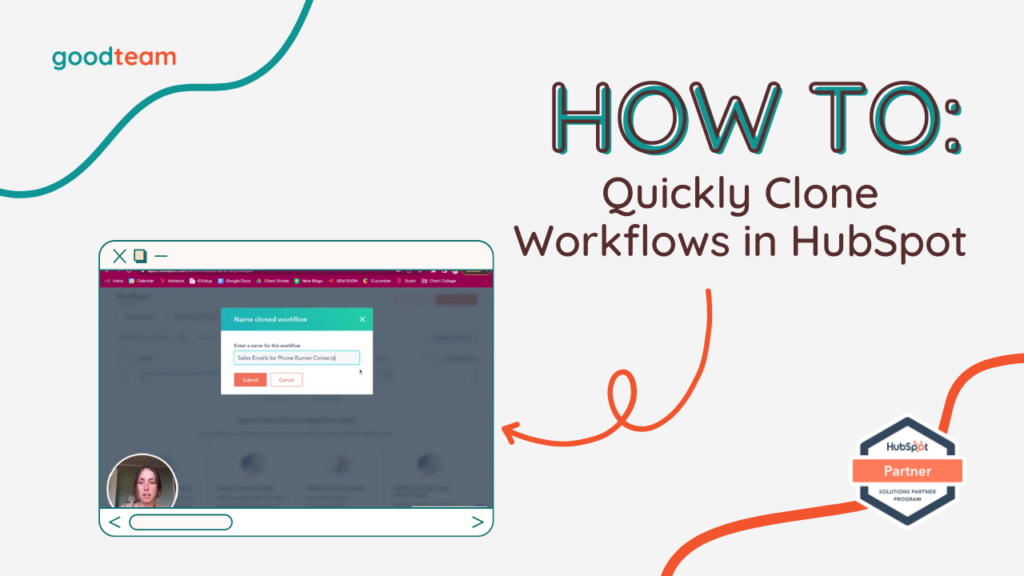
How to Quickly Clone Workflows in HubSpot Here are the steps to Quickly Clone Workflows in HubSpot: Access workflows by clicking Workflows at the top of the HubSpot page. Find the workflow you want to clone. Hover over the workflow and click Clone. That’s it! Now you know how to Quickly Clone Workflows…
Read MoreForm Frenzy: Unleash the Power of HubSpot Forms!

Form Frenzy: Unleash the Power of HubSpot Forms! Have you ever wondered how to gather information without breaking a sweat? Fear not, because we’ve got a solution that’s as easy as pie – HubSpot Forms! Whether you’re looking for contact details or other crucial data, these customizable forms are here to save the day. We’re…
Read MoreCustomizing Your HubSpot Deal Form for Maximum Efficiency

Customizing Your HubSpot Deal Form for Maximum Efficiency Creating and managing deals in HubSpot is an essential part of your sales process. While HubSpot provides a standard create deal form with several key fields, you may find yourself needing more specific information to tailor your sales pipeline effectively. Fortunately, HubSpot offers flexibility to add properties,…
Read More